This past weekend, I officially kicked off my holiday baking with my beloved Cutout Sugar Cookies—and yes, they’re safely tucked away in the freezer (well… most of them). I had to fend off my husband and a few “helpful” visitors who were ready to taste-test more than their fair share!
These cookies are my go-to every year—soft, buttery, and absolutely delicious. I don’t frost them until they’re fresh out of the freezer and ready for delivery. You can frost before freezing, but be warned—the glaze will dry matte instead of glossy, and I’m a sucker for that perfect glossy finish.
And yes, that was flour everywhere in the kitchen. My husband’s philosophy? “The messier the kitchen, the better the food.” Judging by the state of my countertops, these cookies are going to be phenomenal.
I doubled my usual recipe and ended up with 94 cookies heading to the freezer. That’s one recipe down… five more to go in my holiday baking lineup. Let the sugar, flour, and butter madness continue!
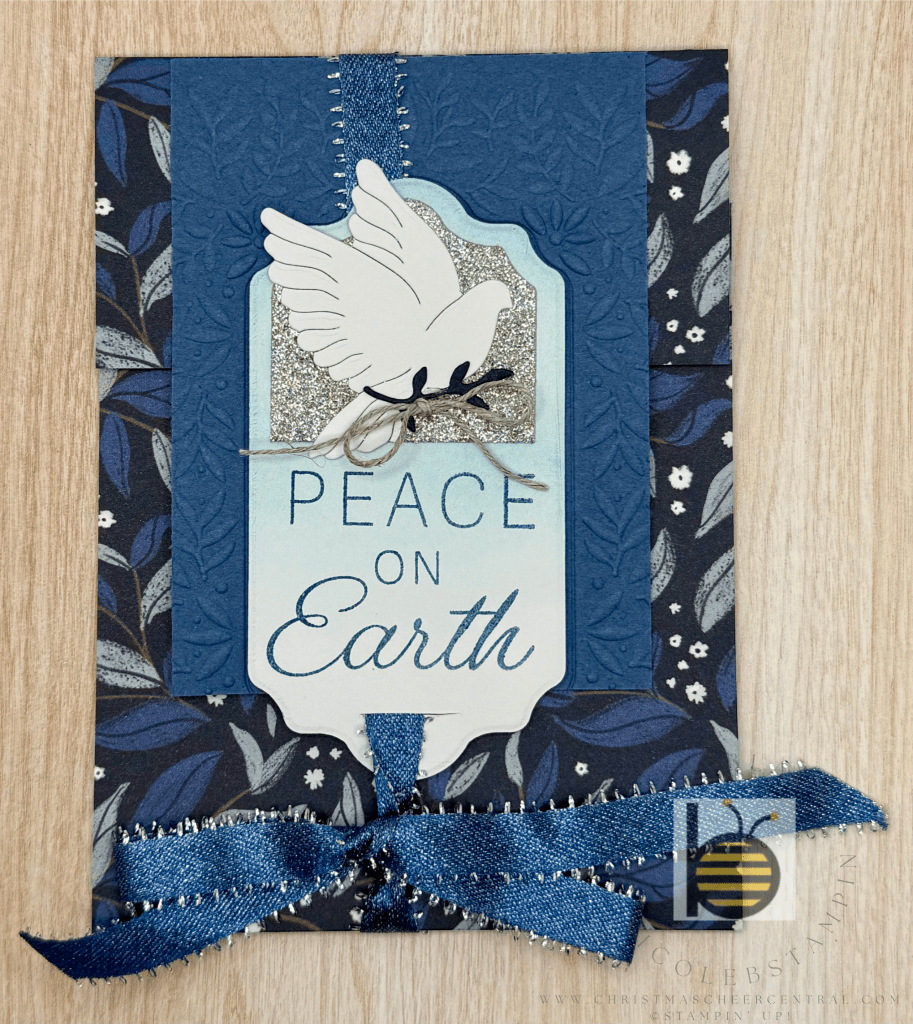
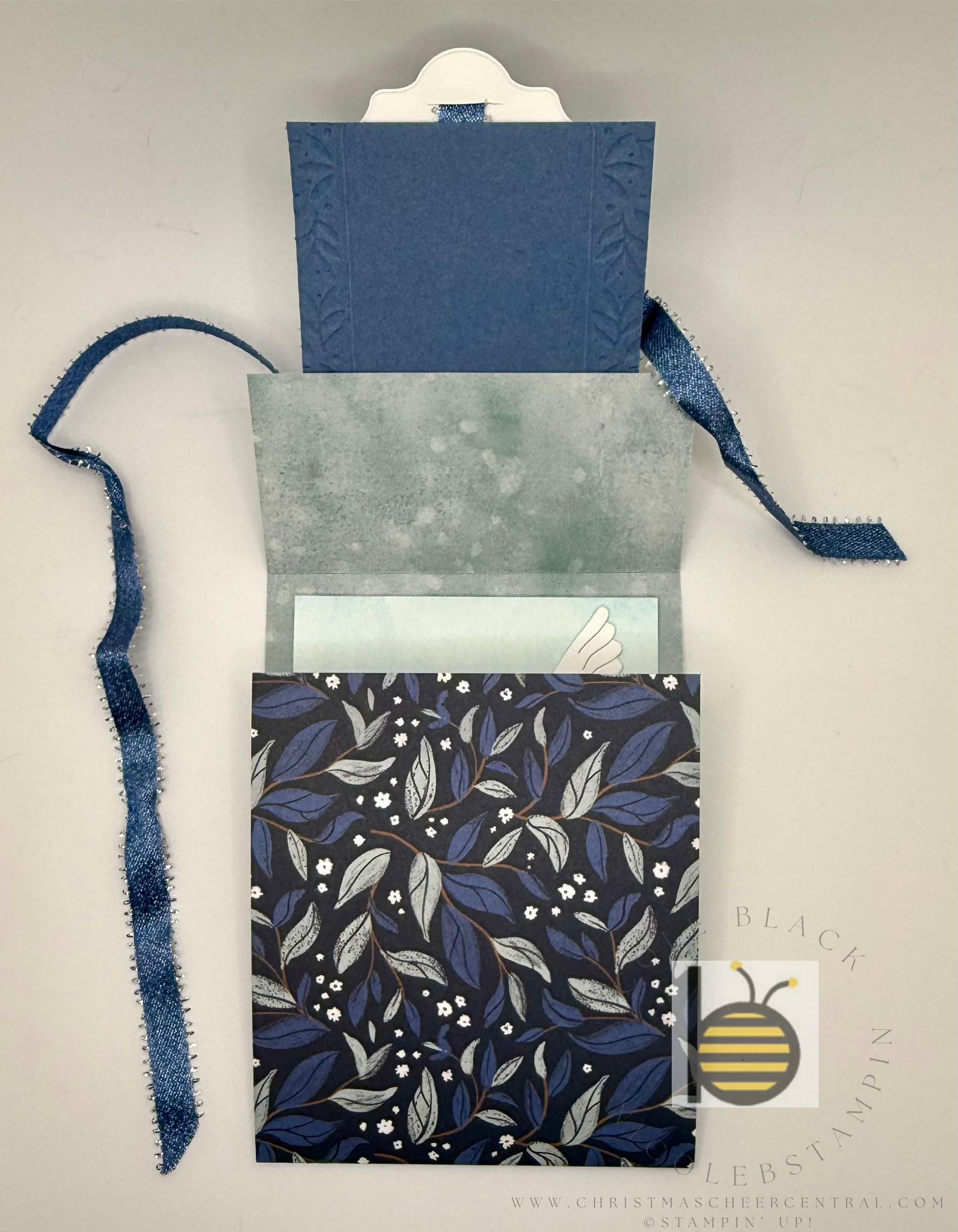
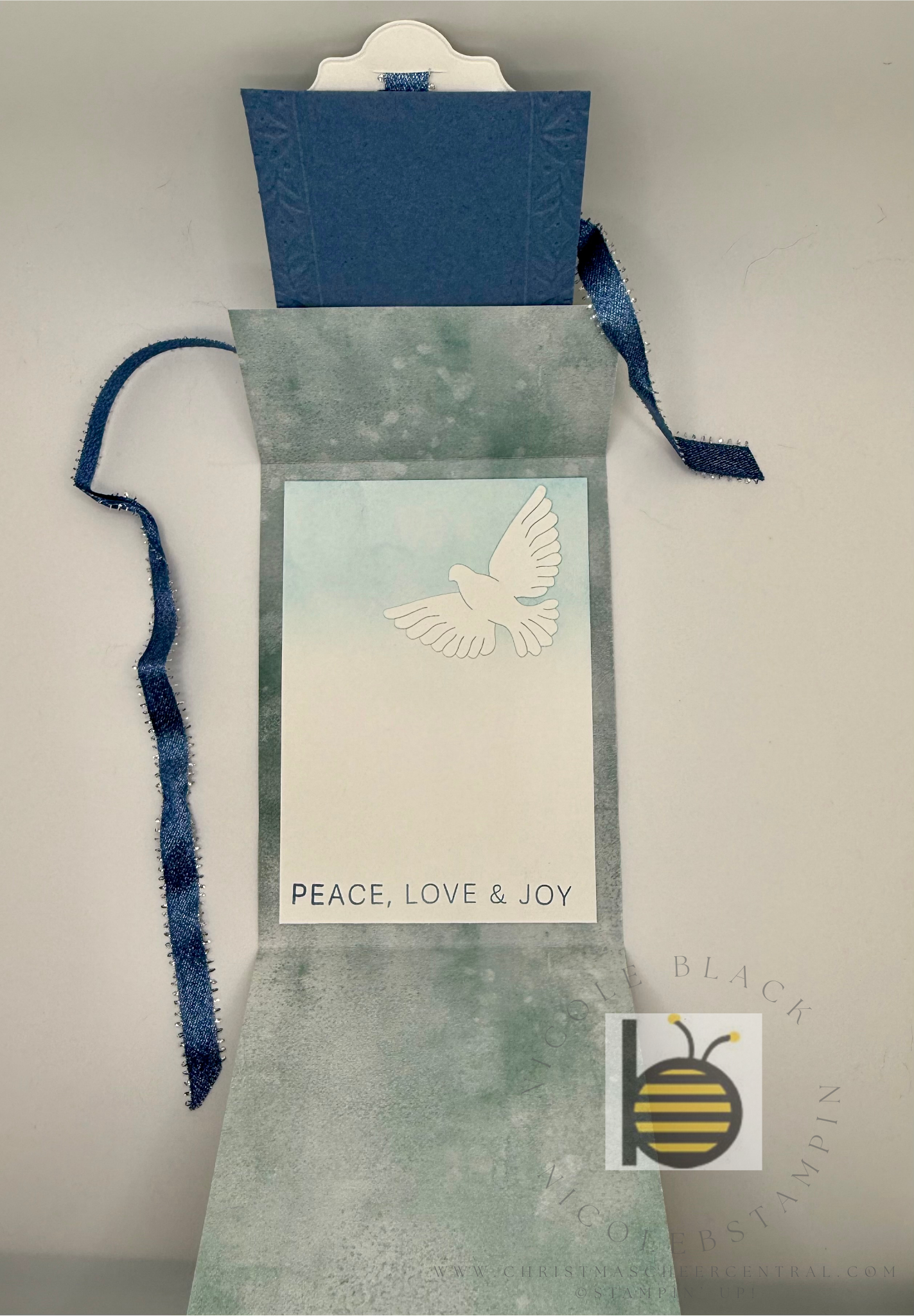
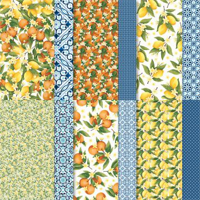
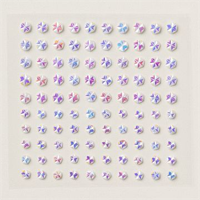
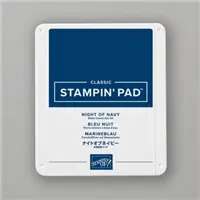
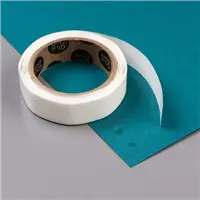
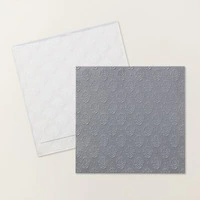
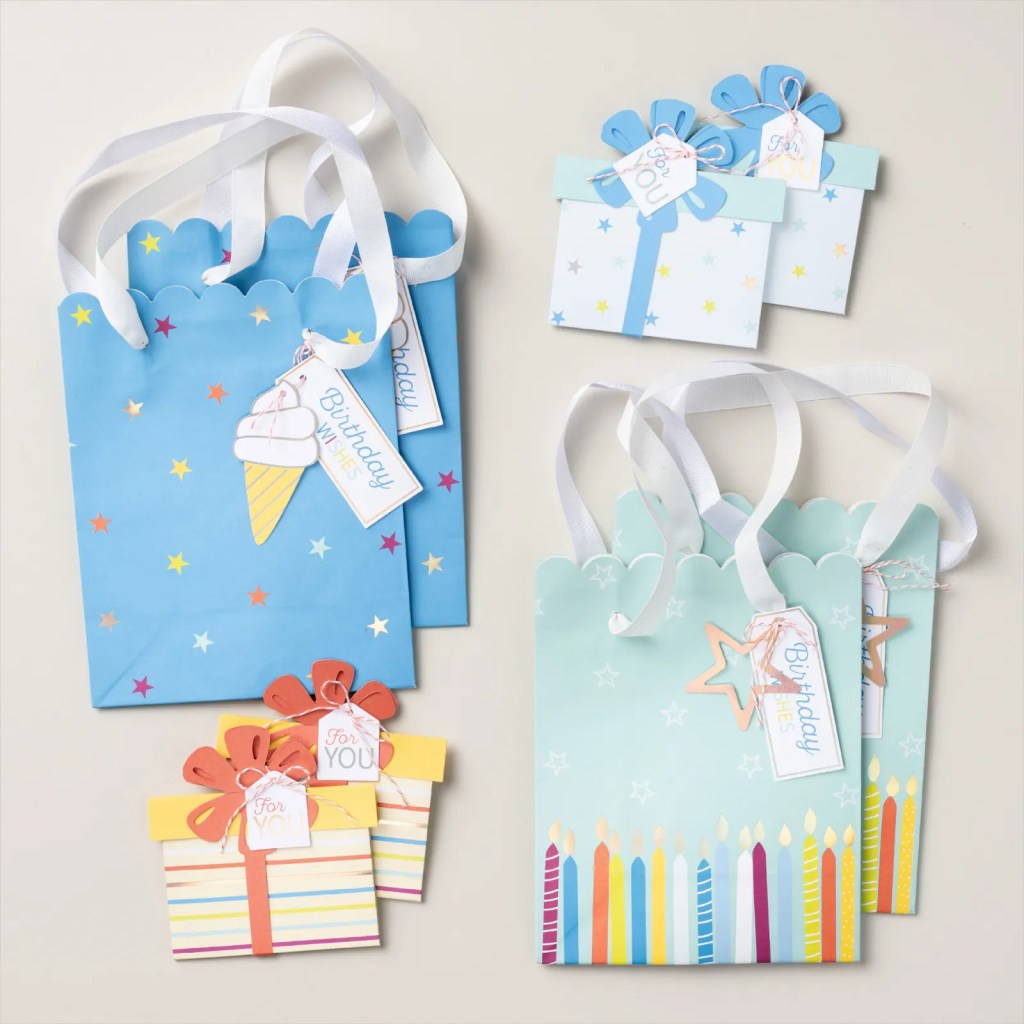
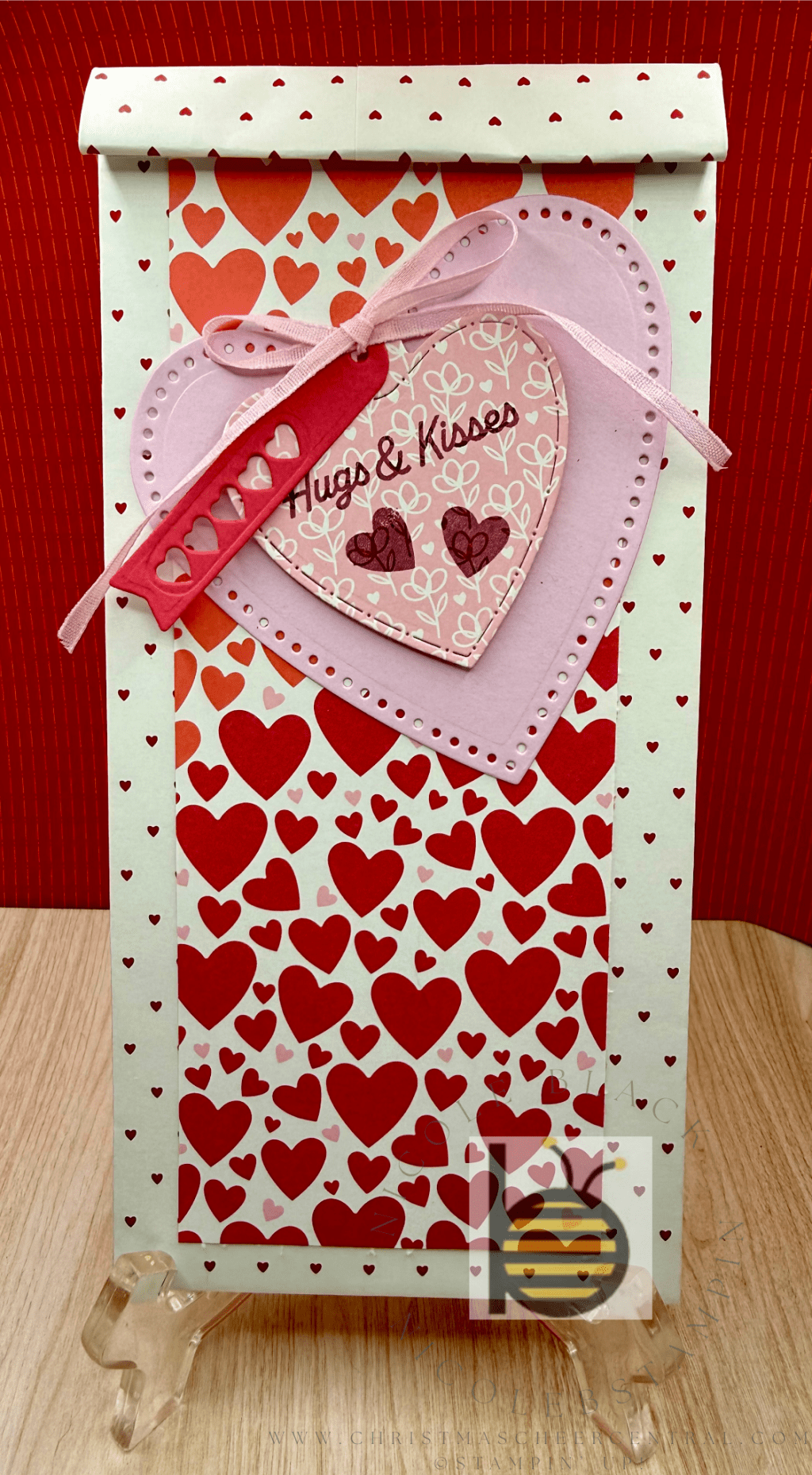
Lately, I’ve found myself reaching into my stash of re-gifted gift bags more often than I’d like to admit. So when I saw that Stampin’ Up! released an all-inclusive kit for making your own gift bags and gift card holders, I was beyond excited!
This kit is perfect for creating thoughtful, custom packaging—especially for those trickier-to-shop-for teens in your life. (Looking at you, my stylish nieces! 👀)
What’s Inside the Kit?
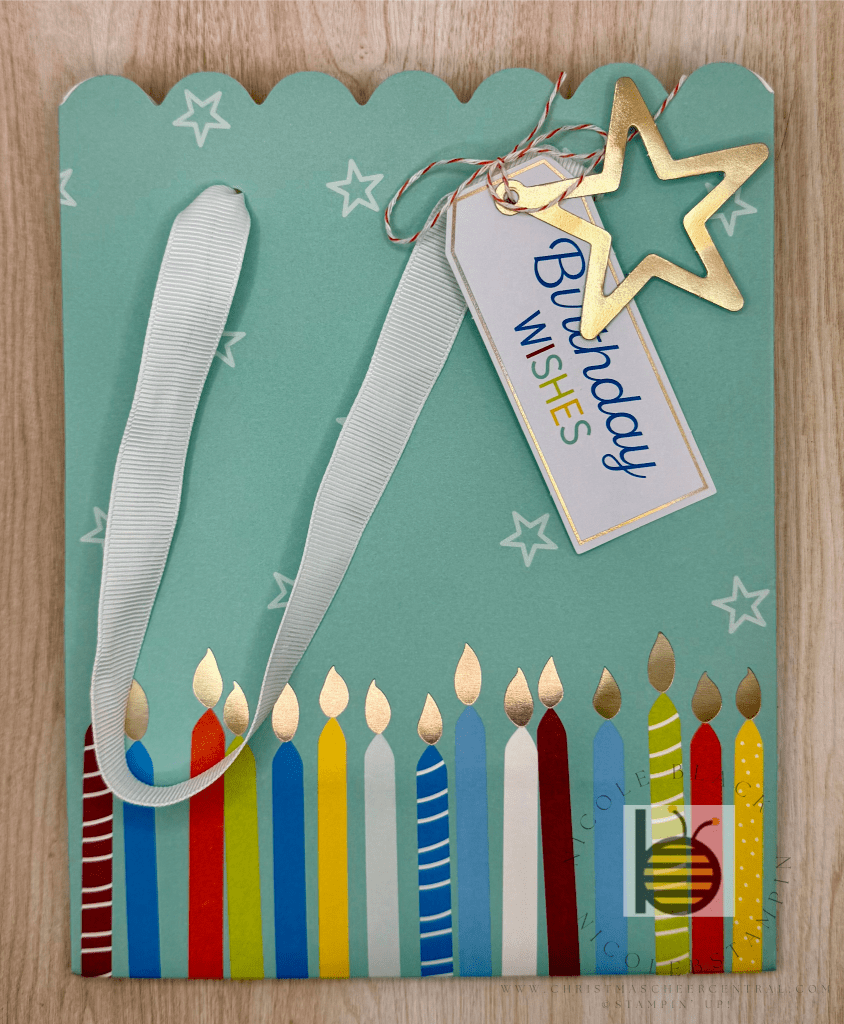
The kit includes everything you need to assemble beautifully coordinated gift bags and gift card holders—no stamping required!
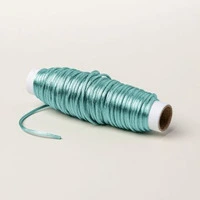
You’ll add the finishing touches with ribbons and tags, and the best part is you can mix and match them however you like to create a unique look for each one.
Why I Love It
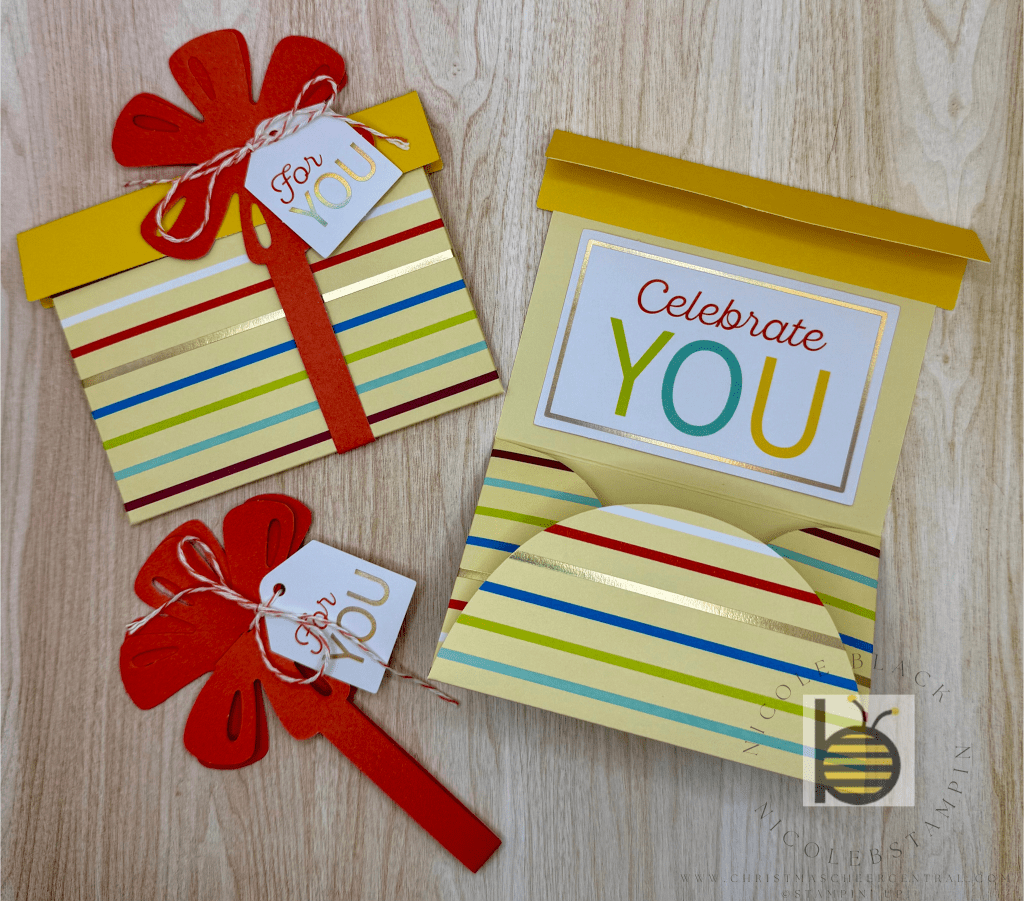
✨ The gift card holders are adorable! They feature a paper ribbon belly band that wraps around the holder and secures it in place—such a clever and cute way to present a gift card.
✨ The gift bags feel upscale and personal. It’s a quick and easy way to level up your gift presentation without a trip to the store or digging through your re-use pile.
✨ Perfect for last-minute gifting. Having a few of these ready to go means I can grab, tuck in a card, and gift with confidence!
🎥 Take a peek at the kit in action:
BONUS: A Coordinating Card Kit!
Want to keep the look consistent across your gifting? There’s also a matching card kit you can grab to go with your gift bags and holders. It’s a great way to tie everything together with a cohesive theme.
🎥 Watch the coordinating card kit video:
Stampin’ Up! products used to create this project:
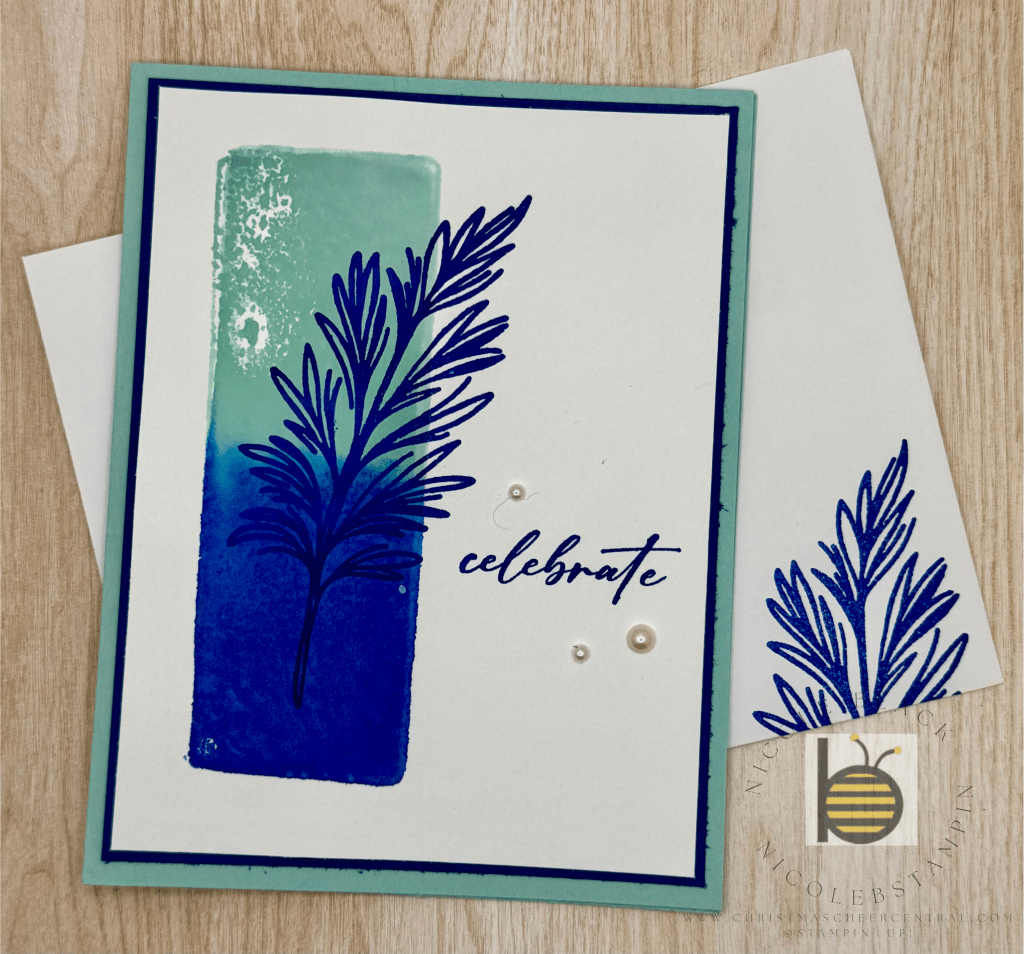
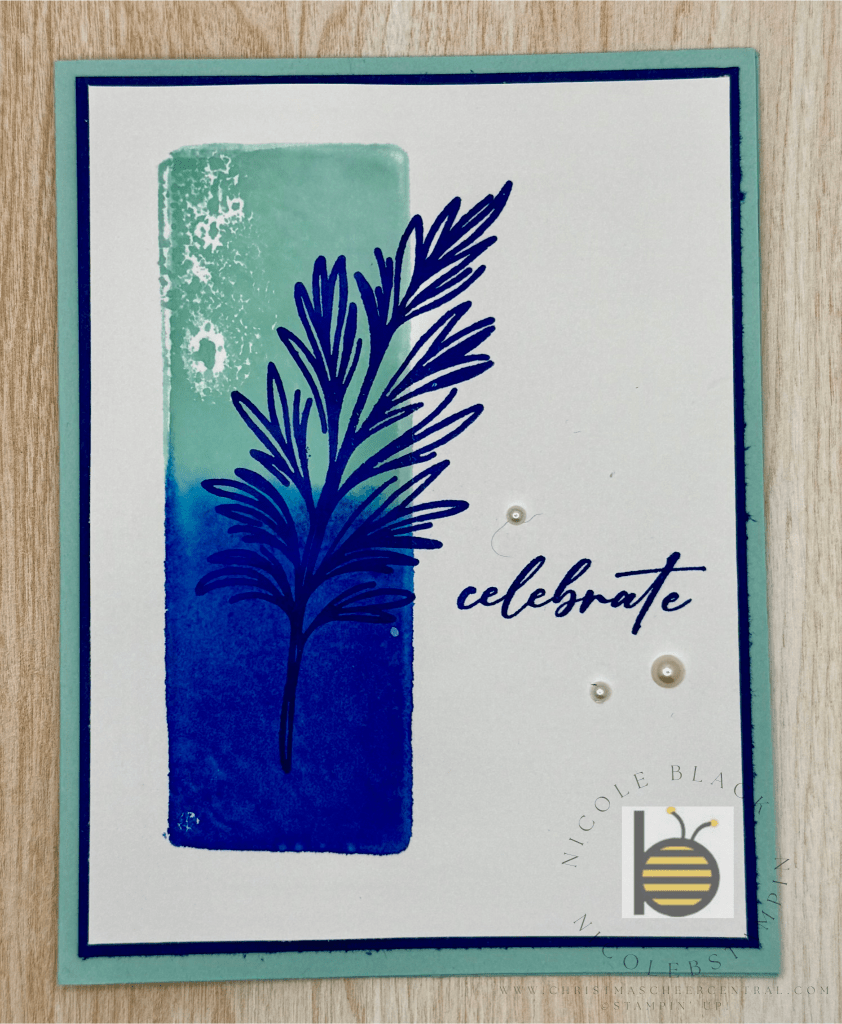
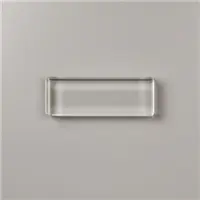
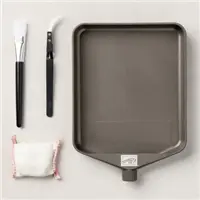
Recently, someone asked me if I’ve ever stamped using a clear block. That simple question sparked my creativity—and today I’m excited to share a fun and easy card using this unique technique!
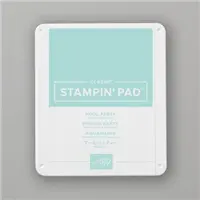
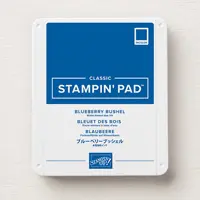
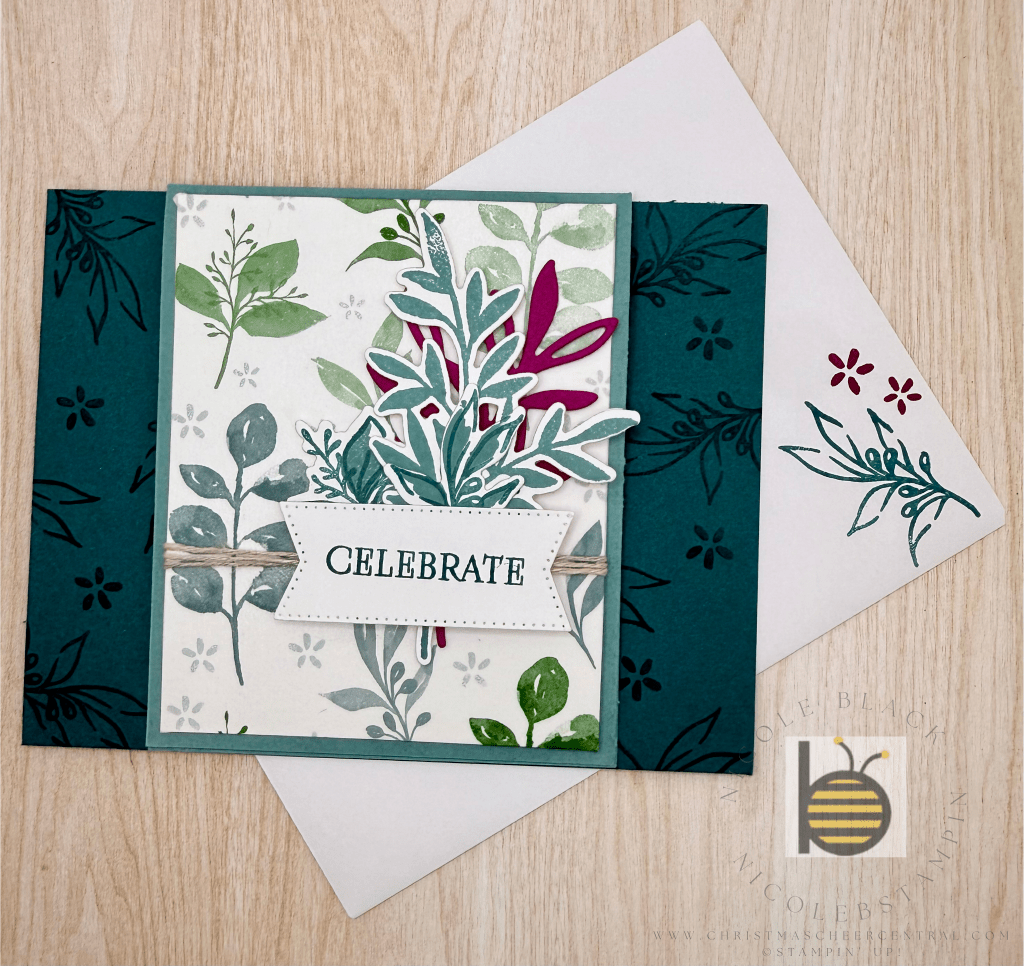
If you know me, you know blue is my favorite color. So for this project, I paired two of my go-to shades: Pool Party and Blueberry Bushel. I love how they blend together for a fresh, calming look.
This design is clean and simple—just a few layers, a couple of stamped images, and the star of the show: stamping with the acrylic block itself!
Yes, you read that right—you can stamp directly with your block! It’s a quick way to create a beautiful, artistic background with almost no effort.
🎥 Want to see how it’s done? Watch my video tutorial where I walk you through the technique step by step.
Technique Tutorial: Block Stamping
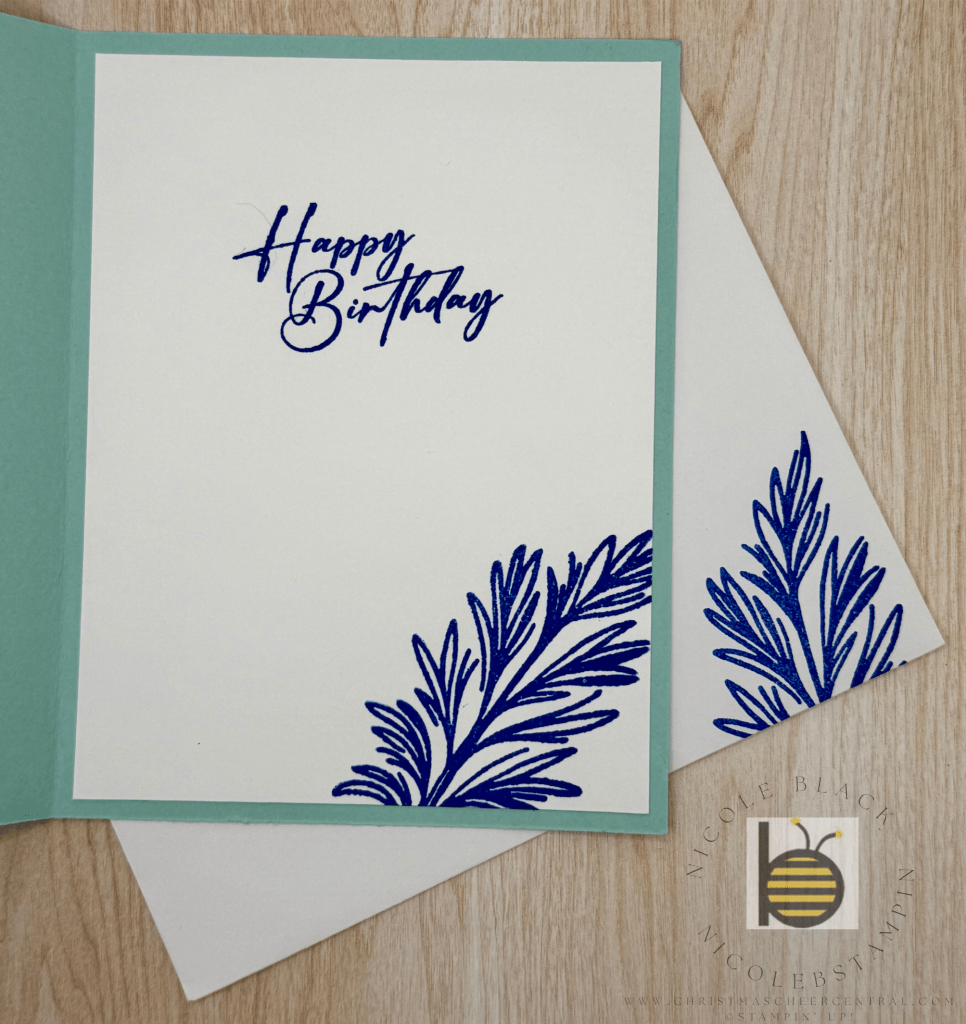
As always, don’t forget to tie it all together with your inside and envelope!
Cardstock Cuts for this project:
Pool Party – 8-1/2″ x 5″ scored at 4-1/4″
Blueberry Bushel – 5-1/4″ x 4″ panel
Basic White – 5-1/8″ x 3-7/8″ panel; 5-1/4″ x 4″ inside panel
Stampin’ Up! products used to create this project:
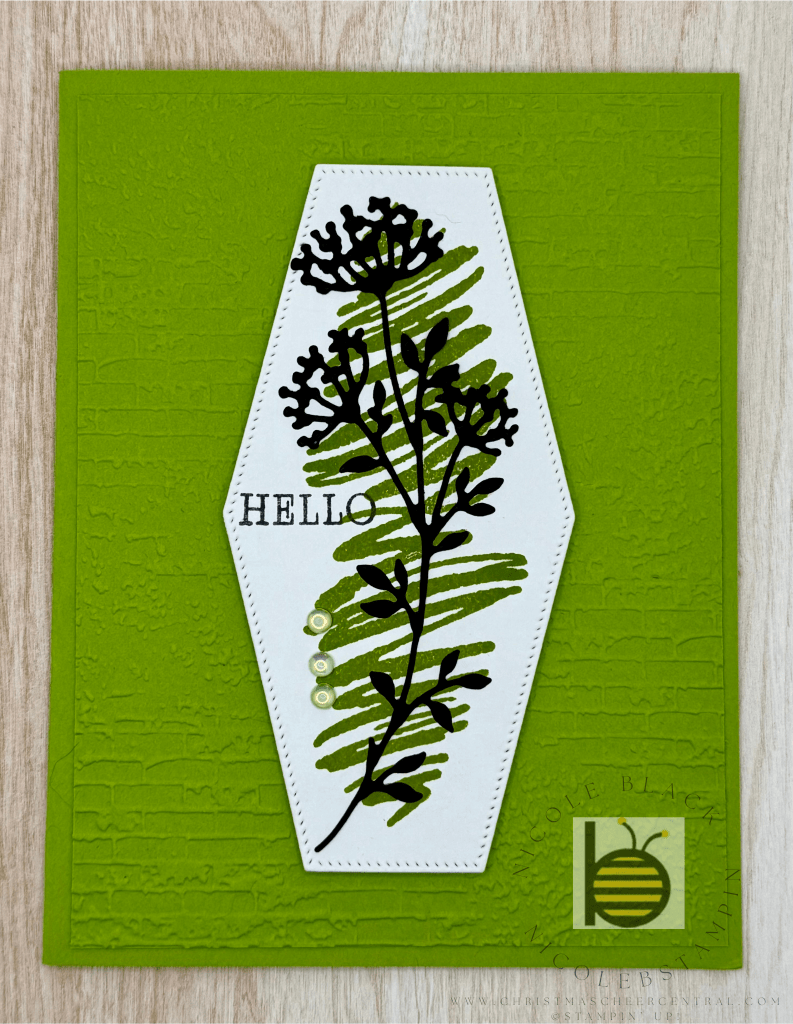
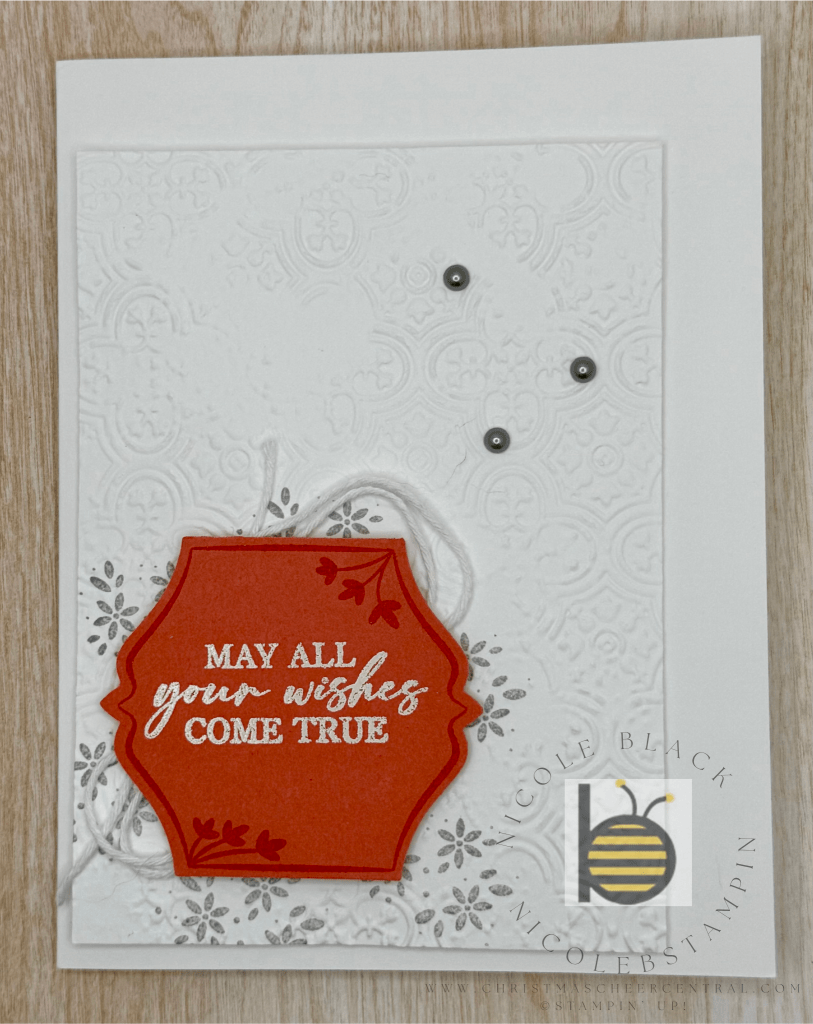
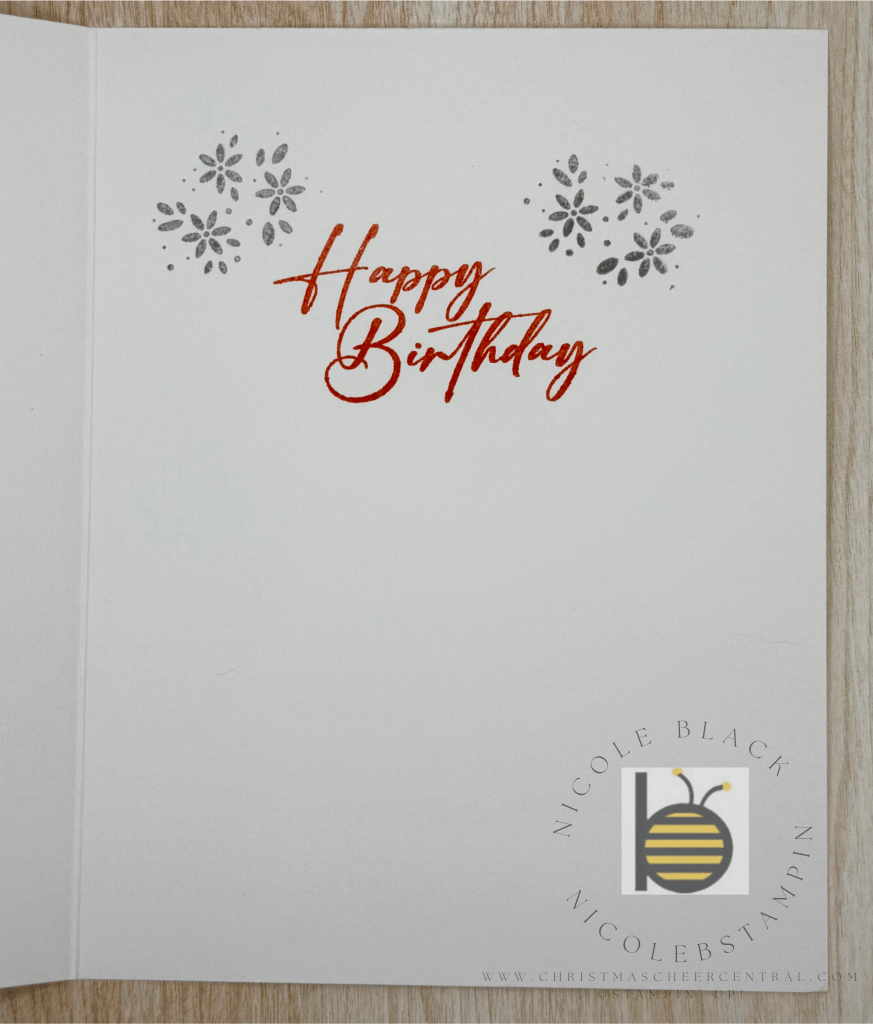
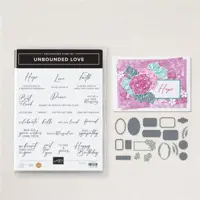
Today I’m excited to share a clean and simple card featuring the Bright Borders Bundle! This versatile set is perfect for birthdays, thank you notes, or any kind of celebration. I love how easily it adapts—just by changing up the colors or embossing folder, you can make it feel feminine, festive, or even more masculine.
Here’s how I put this design together:
✂️ Step-by-Step Instructions:
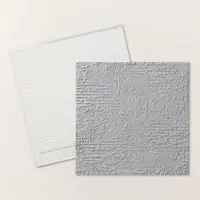
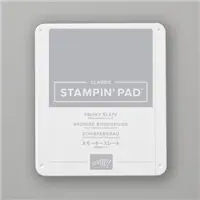
1. Create the Background Panel Start with a panel of Basic White cardstock. Stamp the floral border from Bright Borders in Smoky Slate ink. Then run the panel through your embossing machine. I used the retired Distressed Tile Embossing Folder for texture, but any subtle pattern will do the trick. Pop it up on your card base using Stampin’ Dimensionals for a little lift and interest.
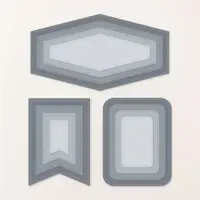
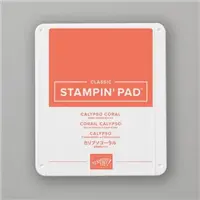
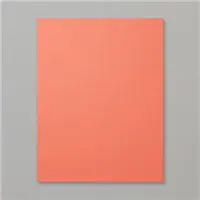
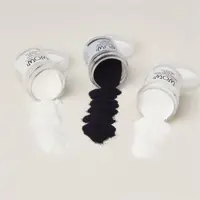
2. Make the Label On a piece of Calypso Coral cardstock, stamp the border image in Calypso Coral ink to create a tone-on-tone look. Next, heat emboss your sentiment in White Embossing Powder for a bold contrast. Punch out the label using the To The Point Punch.
3. Add Twine & Embellishments To soften the design, take White Baker’s Twine and create a few looped circles. Secure them to the back of your label with Scotch tape. Then adhere the label to the front of the card with Dimensionals. Finish it off with a few Smoky Slate Pearls for just a touch of sparkle.
This is one of those go-to layouts you’ll find yourself using again and again. Simple, stylish, and easy to personalize!
Let me know what color combos you’re using with this bundle—I’d love to see your take on it!
Cardstock Cuts for this project:
Basic White Thick – 8-1/2″ x 5-1/2″ scored at 4-1/4
Basic White – 4-3/4″ x 3-1/2″ panel
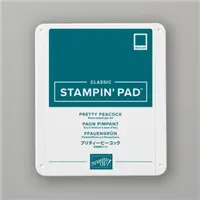
Calypso Coral – 2-1/2″ x 2-1/2″ for label
Stampin’ Up! products used to create this project:
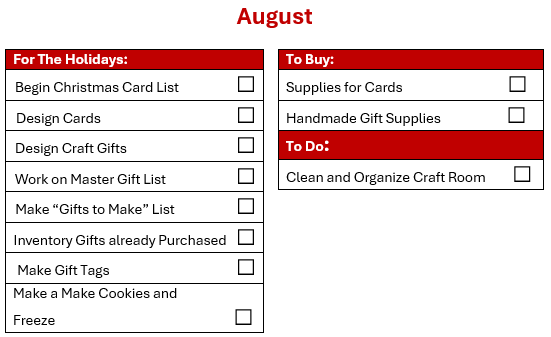
As the calendar flips to August, I shift into full-on planning mode for all things Christmas crafting! You may have caught a glimpse of my early card designs in a recent post, and this month I’ll be finalizing the rest. While I’ll be sharing the finished designs with you gradually, the behind-the-scenes work is well underway—including my handmade gifts!
My Christmas Card Master List
One of the most helpful tools in my holiday prep is my trusty Christmas Card spreadsheet. I put it together a few years ago and simply update it each season. With nearly 200 cards going out, it helps me keep track of names, addresses, and groupings so I can filter and organize as needed.
And yes… if you haven’t picked up on it already, I thrive on organization. Being a Project Manager by day means I treat Christmas like its own joyful project. I even track which card design each person receives. Since I create multiple designs each year, this system ensures I don’t send the same card to someone two years in a row—especially if they might see someone else’s and compare. (It’s the little details, right?) If that level of organization makes your eye twitch—feel free to skip this part with no judgment. 😉
Gift Giving
August is also when I really start brainstorming gift ideas. I usually don’t begin buying just yet—unless I come across something special while traveling or something I know will sell out later. But I always write down ideas as soon as they come to mind because if I don’t… poof! They’re gone.
I also take time this month to do a quick inventory of any gifts I may have already picked up earlier in the year. (Yes, I’m that person who shops on spring break.) I log everything into my master gift list and, most importantly, stash the gifts in one designated location—because I’ve definitely had a few “lost gift” surprises after the holidays. Lesson learned!
Your Sneak Peek at My Full Checklist
If you’re a planner like me, you might be itching to see the full scope instead of waiting month by month. I get it! That’s why I’m sharing my complete Christmas Project Plan—so you can peek ahead, customize, and get a head start on your own timeline.
Of course, some things might not apply depending on where you live (no snow-related tasks for this Florida girl), and there may be things I’ve missed. I do miss snow angels and fireplace cuddles, but I’d much rather string lights without freezing fingers. And don’t worry—I’ve got a cozy cocoa alternative coming your way soon!
Let’s Share the Holiday Magic
I’d love to hear about your own Christmas prep—what’s on your checklist? What traditions do you look forward to each year? Drop a comment and share your ideas, tips, or photos of your cards and crafts. I’m always inspired by this creative community and can’t wait to see what you’re working on!
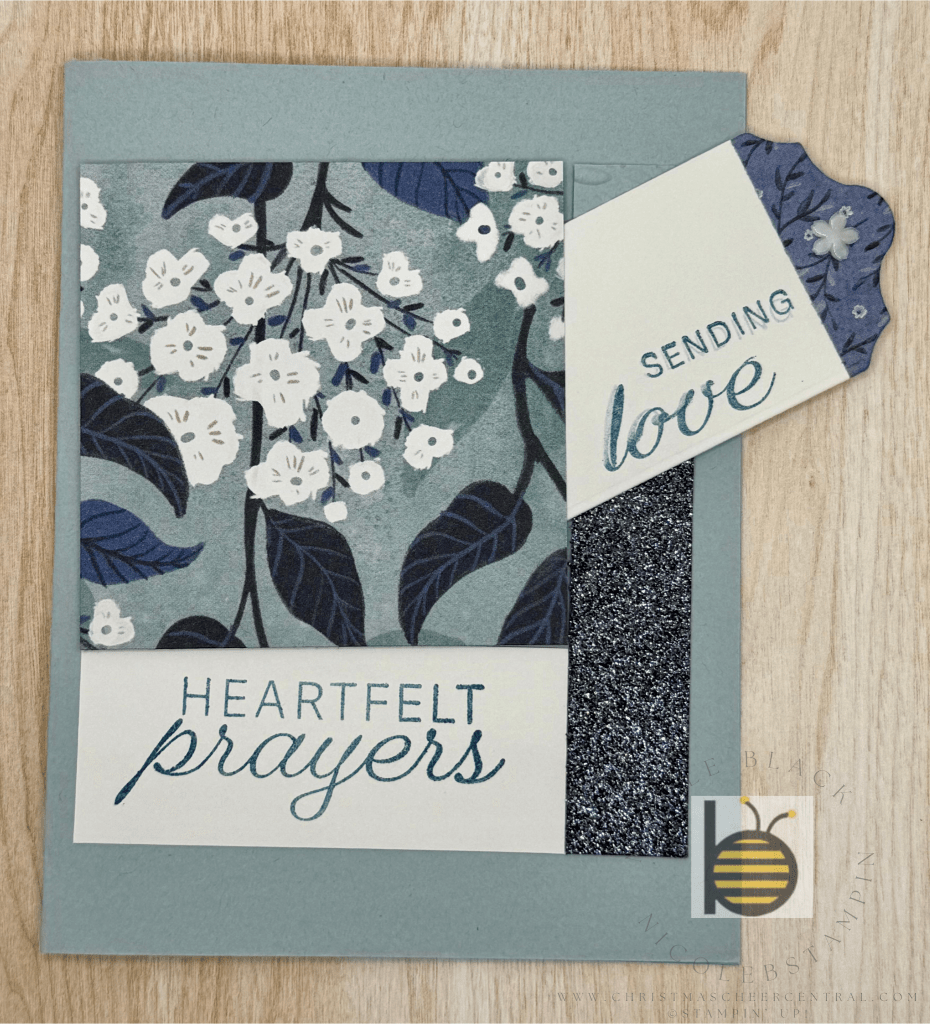
Today I’m sharing a simple, elegant card that’s made with just a few supplies—stamps, cardstock, and a bit of soft coloring. It’s a versatile design that works beautifully for many occasions, but I especially love it as a Sympathy card. Its gentle colors and vintage touches give it a peaceful, heartfelt tone.
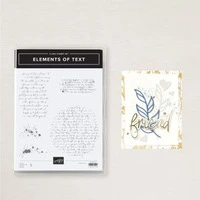
I’m always drawn to vintage-inspired backgrounds, so when I saw the Elements of Texture stamp set, it immediately became a favorite. Pairing it with the delicate florals in Spotlight on Nature brought this design to life.
Step-by-Step Instructions:
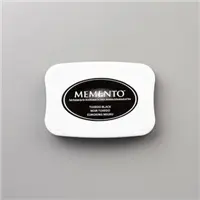
Stamp the Flower – Begin by stamping the flower image from Spotlight on Nature using Memento Black Ink on your card front. This ink is perfect for coloring as it won’t bleed.
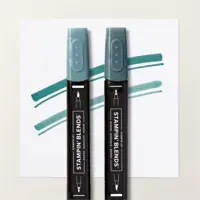
Add Color with a Blender Pen – Using a Blender Pen, softly color in the flower with Pretty in Pink for the petals and Soft Sea Foam for the leaves.
Tip: Place a drop or two of ink from your re-inkers onto a palette or clear block. Dip your Blender Pen into the ink to “paint” with precision.
Create the Background – Lightly stamp background elements from the Elements of Texture set using Crumb Cake Ink. This adds a soft, vintage layer that doesn’t overwhelm the main image.
Add a Sentiment – Stamp your sentiment in Memento Black so it stands out crisply over the textured background.
Finishing Touches – A few Brushed Brass Butterflies add just the right amount of shimmer and elegance to complete the card.
Don’t Forget the Inside – To tie everything together, I stamped the same flower image inside the card and on the envelope. It’s a small detail that makes a big difference in presentation.
This card design is timeless and adaptable—perfect for sympathy, thinking of you, or even encouragement cards. I hope it inspires you to pull out your Blender Pens and start creating something beautiful and meaningful.
Cardstock Cuts for this project:
Basic Black – 8-1/2″ x 5-1/2″ scored at 4-1/4
Crumb Cake – 5-3/8″ x 3-1/8″ panel
Very Vanilla – 5-1/4″ x 4″ (Inside panel), 5-1/4″ x 4″ (outside panel)
Stampin’ Up! products used to create this project:
What better way to celebrate than with a festive handmade card? Today, I’m sharing a cheerful Christmas card using the Jolly Holly Bundle and Embossing Folder, available online only. You might recognize this bundle from the Christmas Gift Boxes I shared recently—it’s quickly becoming one of my favorites!
This design is wonderfully versatile and works beautifully with any coordinating Designer Series Paper (DSP) and color palette. For a fun twist, I went with a non-traditional color scheme featuring the new In Color, Strawberry Slush. It adds a fresh and modern pop to the holiday season!
Card Preparation:
Emboss a Crumb Cake panel using the Jolly Holly Embossing Folder.
Die cut a circle using the Spotlight on Nature Dies and stamp your sentiment from the Jolly Holly stamp set in the center.
On a piece of scrap cardstock, stamp a few poinsettias and die cut them out.
Assembly Instructions:
Use Stampin’ Dimensionals to adhere the embossed Crumb Cake panel to your card base for added texture and depth.
Wrap ribbon around your DSP panel and secure it in place before adhering the panel to the card front.

Attach the sentiment circle to the center of your card with more dimensionals.
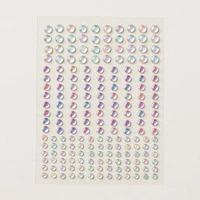
Embellish the card with your die-cut poinsettias and a few rhinestones for some festive sparkle.
Don’t forget to decorate the inside of the card and your envelope for a polished, professional finish!
Whether you’re getting a head start on your holiday card stash or simply celebrating Christmas in July, this card is sure to spread a little seasonal cheer. 🎄
Cardstock Cuts for this project:
Crumb Cake – 8-1/2″ x 5-1/2″ scored at 4-1/4; 5-1/4″ x 4″ panel
Basic White – 5-1/4″ x 4″ inside panel; 3″ x 3″ for Circle Die, scrap for Poinsettia Dies
On the Go DSP – 4″ x 2″ panel
Stampin’ Up! products used to create this project:
While browsing for fun and simple gift ideas, I came across an adorable box design that immediately struck me as the perfect little gift for co-workers. Since it’s Christmas in July, I thought—why not make a festive version to share with you now?
These boxes are quick to make and a great way to use up some of that leftover Designer Series Paper (DSP) you might have tucked away. I used a retired holiday DSP from last year, and it worked beautifully.
Instructions to Make the Box:
Cut your DSP to 11″ x 4″
Score along the long side at 3″, 4″, 8″, and 9″
Rotate your paper one quarter turn and score again at 1″ and 3″
Fold along all the score lines to define your box shape
On the 1″ side, snip along the folds at the 3″, 4″, 8″, and 9″ marks to create flaps
Add Tear-n-Tape to the small tabs and assemble the box
Decorate the top with embellishments, die cuts, or tags
Finish it off by tying a ribbon around the box to hold it closed
Step by Step: Easy Christmas Gift Box
That’s it! You now have a cute and functional gift box ready to fill with goodies, gift cards, or even a few handmade treats.
✨ And here’s a little sneak peek! I used elements from one of the stunning new Suites launching this September. I’m in love with the soft blues and all that sparkly bling—it’s a winter wonderland in paper form!
Cardstock Cuts for this project:
Designer Series Paper – 11″ x 4″ scored at 3″, 4″, 8″, 9″. Rotate and score at 1″ and 3″
Stampin’ Up! products used to create this project:
When I first started planning for the holidays, I used a paper planner—and as a crafter, I couldn’t help but turn it into a mini scrapbook! I loved being able to design each section with festive embellishments and handwritten notes. It made the process feel both organized and creative.
If you’re a fellow fan of paper planners, I’ve got something for you! I’m sharing the Christmas Planner Templates I used. These are designed for a 6″ x 8″ format, perfect for a small scrapbook album. I printed them on thin cardstock and used sheet protectors to create durable divider pages.
As time went on, I transitioned my Christmas planner to Microsoft OneNote. I now have each planner category as a separate section in my notebook (like Gifts, Crafts, Recipes, Decor), and each year I add a new page under each section. This lets me easily look back at what worked (or didn’t!) and tweak things year to year—without starting from scratch.
Whether you’re a paper planner lover or prefer digital organization, the key is finding a system that works for you—and that keeps the season joyful, not stressful.
🎄 Do you use a paper or digital planner for the holidays? Let me know in the comments!
Yes, it’s hot outside—but that won’t stop me from cranking down the A/C, pouring hot chocolate into a festive mug, and curling up with a Hallmark Christmas movie (or two!). We’re officially six months away from Christmas Day, and for me, that means one thing: the countdown is ON.
As a Project Manager by trade, I treat the holidays like my favorite project of the year—full of joy, sparkle, and spreadsheets! I want to do all the magical things without burning out. The secret? Starting early, staying organized, and keeping it fun. If you’re like me and want your most joyful, stress-free Christmas yet, join me on this journey.
🎅 July Kickoff: Setting the Foundation
This month is all about setting up your plan. That means creating your master gift list, outlining your budget, and getting your Christmas notebook or planner ready. We’re not rushing anything—just laying the groundwork so the rest of the season runs smoothly
🎁 Master Gift List & Budget
Let’s talk about one of the most important tools in your holiday toolkit: your gift list.
As an iPhone user, I rely on the free app The Christmas Gift List, but there are lots of great options available for Android too—just find one that works for your style.
At a minimum, look for an app that lets you:
Add names to your list
Set a budget per person
Track your total budget and spending
Log gift ideas, purchases, wrapping, and delivery status
Some bonus features I love in my app:
Organize people by groups (Family, Friends, Co-Workers, etc.)
Look back at previous gifts so you don’t repeat
Carry over ideas from one year to the next
View reports like: who still needs a gift idea, what’s been purchased, wrapped, or shipped
Share your list (I share with my husband—even if I’m not convinced he checks it!)
Bonus Tip: I also use a second app (with a passcode!) just for tracking gifts for my husband. Gotta keep some surprises a secret!
📒 Coming Up…
In an upcoming post, I’ll show you how I set up my Christmas Planner—another tool that keeps everything from menus to mailing deadlines organized and at my fingertips.
But for now, take the first step: ✨ Choose your gift tracking method ✨ Set your overall budget ✨ Start brainstorming ideas
Then reward yourself by cozying up with a Christmas movie. After all, planning should be part of the fun!
Let’s make this the merriest, most magical season ever—without the last-minute panic. Stick with me and we’ll make Christmas 2025 the most joyful one yet!
I am a project manager by day and a crafter by night. I love Christmas and want to do it all every year. I will share with you how I do it and enjoy it too!