
I started this blog a little late. Christmas in July is over, but that is when I kickoff my Christmas preparation. I love the holiday’s and I always want to do everything. For a while I tried to do that in the “normal” holiday time and found myself more stressed out instead of enjoying the holidays. That is when my project manager hat came out. I began planning my Christmas so I could do everything, do all the craft projects I wanted to do, and still get to enjoy the holidays. I have followed my plan for many years now and I feel I am very successful in doing it all and having fun too.
I decided I wanted to share my Christmas Project Plan with others so that people like me can have just as much fun at Christmas time. Today I am going to share with you my checklist for the month of July. I will share the August checklist in a separate post and then throughout the month I will share with you some of the ways I accomplish these tasks.
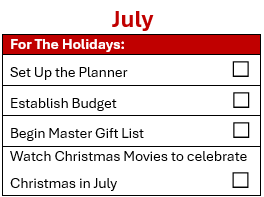
In July you are just setting up the plan and your notebook along with your master gift list and establishing how much to spend on each person. And of course, watch Hallmark Christmas movies to put you in the mood!
Gift List and Budget
I am an iPhone user so all my app suggestions will be for an iOS platform, but I know other phones have similar apps if not the same for the different platform. For my Master Gift List, I use the free app, “The Christmas Gift List”. However, there are many apps out there so find the one that works best for you.
Whatever app you chose, you should at least be able to:
- List the people on your list
- Set a budget for each person
- Set a total budget and be able to track progress so you don’t overspend
- Be able to track ideas, purchased, wrapped, given or shipped
Other items I like in my app:
- Group people (Co-Workers, Friends, Family, etc.)
- Be able to see previous gifts given
- Carryover ideas to new events
- Provide views for: who has no ideas recorded, gifts need to buy, gifts need to be wrapped, gifts need to be given or sent
- Share the view with someone (my husband though I don’t think he uses it)
I have a second app that I use. I have a passcode on it and use it to track gifts for my husband 😀
Set Up Planner
For my planner, I used to have a paper planner. As a crafter, I built it like a scrapbook.

If you are a fan of paper, here are the templates I used. They are in 6″ x 8″ format for a small scrapbook. I printed them on thin cardstock and used sheet protectors for the divider pages.
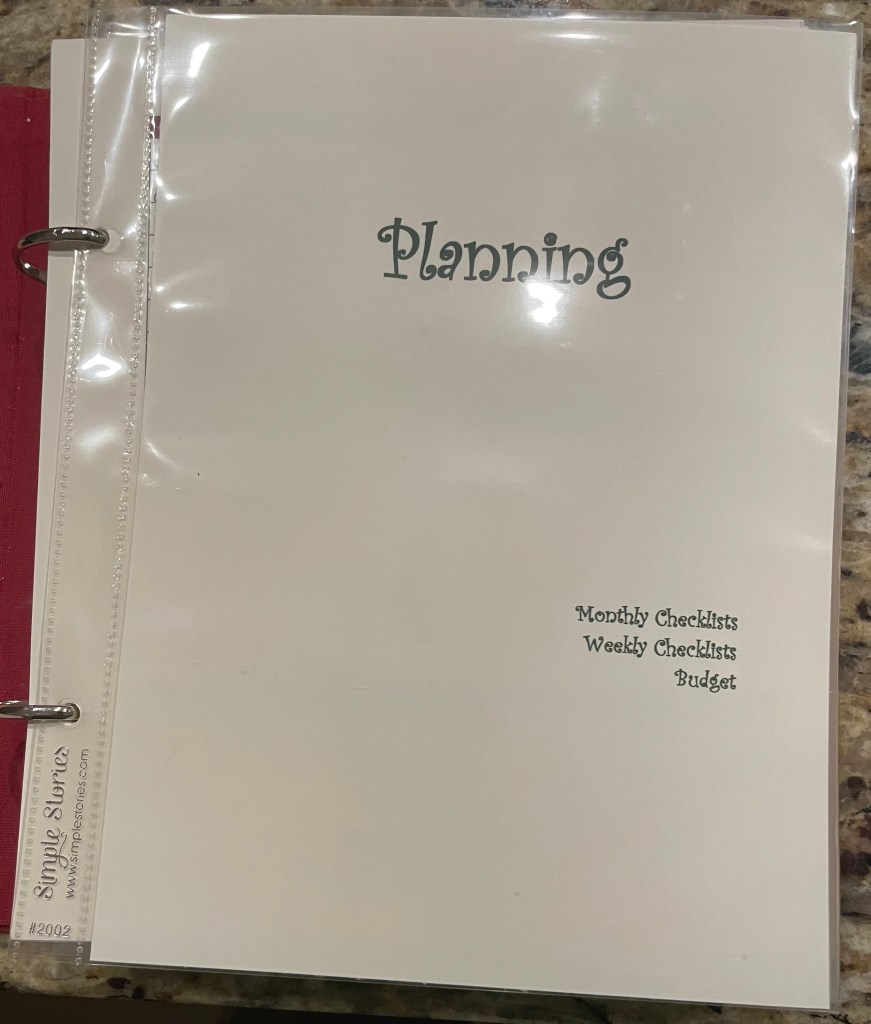
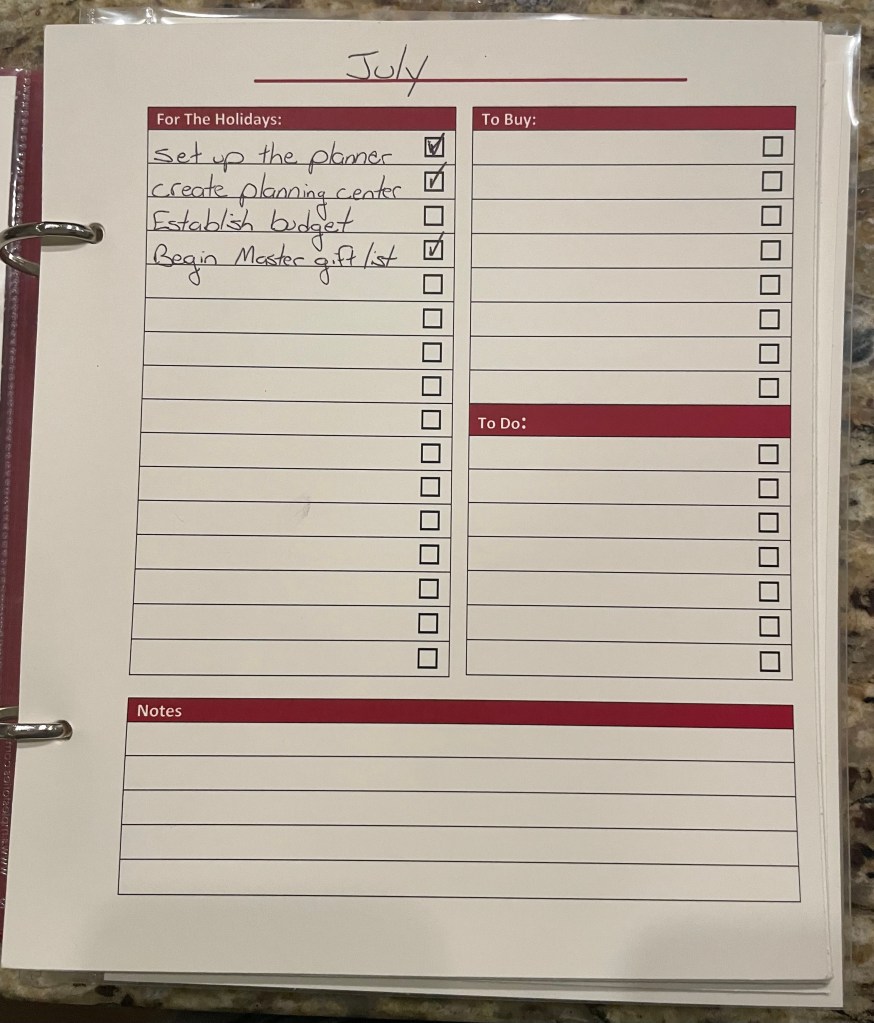
Here are the products I used to create this planner.
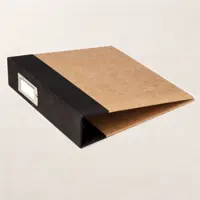
Over time, I moved my planner to Microsoft’s OneNote. I made each planner section a section in my notebook and then each year is a new page so I can see what I did the prior year and modify as I learn what works better for me.

This gets you through July! I will post the August Checklist soon so be sure to Subscribe so you get notified when I post.



Leave a comment